Description
1 Introduction
This assignment will cover creating, throwing, and handling exceptions.
2 Problem Description
So far, we have been programming as if nothing ever goes wrong. Unfortunately, that’s a lot like
studying physics in a vacuum. In this homework, we will look at how to handle errors when they
arise in programs. To do this, we will look into programming some of the most volatile math
around: Linear Algebra.
3 Solution Description
Math is a java class that implements several useful functions such as max and abs, or absolute
value. All of the methods in Math are static, meaning that they can be called as Math.methodName.
In other words, you don’t need a Math instance to call them. We will be doing something similar for Linear Algebra concepts. We will have a class that contains a few useful linear algebra
functions (LinearAlgebra.java). We will also have the Matrix and Vector classes to
provide some encapsulation. Finally, we will have a driver to ask the user what he/she wants to
do (LinearAlgebraDriver.java). This will also be your first time creating exceptions.
These will be thrown when you encounter a problem with a given method for its given parameters.
The following classes have been provided to you for this assignment:
• LinearAlgebraScanner.java
• LinearAlgebraDriver.java
• Vector.java
• Matrix.java
1
You will be creating / editing and then turning in the following (PLEASE NOTE that you will be
making edits to LinearAlgebraDriver):
• LinearAlgebraScanner.java
• LinearAlgebraDriver.java
• LinearAlgebra.java
• Matrix.java
• Vector.java
• IllegalOperandException.java
• MatrixIndexOutOfBoundsException.java
• VectorIndexOutOfBoundsException.java
Below are the specific requirements that you will have to meet for each class.
1. Matrix
• If you need to brush up on what a matrix is, read more about them. It’s essentially a
fixed grid of numbers (in this case doubles).
• We would like Matrix to be an immutable class. This means that any client that uses
Matrix should not be able to change the data in Matrix or extend the class. We do this
by making the class and all its instance data final and not providing any public setters.
• Instance variables: double[][] matrix, int height and int width (The
height is matrix.length).
• Constructor: Matrix(double[][] matrix) which sets all instance data appropriately. You
can assume that the array will not be ragged.
• double get(int i, int j): returns the matrix element at row i, col j. If
i, j is not in the matrix, throw a MatrixIndexOutOfBoundsException with an
error message that describes where the user tried to index, as well as the width and the
height.
• getWidth() and getHeight(): Should return width and height respectively.
• toString(): Should return the String representation of the matrix. Elements should
be separated with the tab character, and rows should be separated with the new line
character.
2
2. Vector
• Vector can be thought of a list of numbers where the list has a fixed length. You can
see why we will use an array in order to create this class!
• Vector should be immutable as well. The class and its instance data should be final.
• Instance variables: double[] vector and int length.
• Constructor: Vector(double[])
• double get(int i): returns the vector element at i. If i is not in the matrix,
throw a VectorIndexOutOfBoundsException with an error message that describes where the user tried to index, as well as the length.
• String toString(): Should return the String representation of the vector. Elements should be separated with the tab character.
3. LinearAlgebra
• LinearAlgebra should contain all static methods.
• Each method should throw IllegalOperandException if the parameters do not
match up (for example, you can’t add a matrix with different dimensions or multiply
two matrices if the first has a different width than the first one’s height). The error message should explain exactly why and how the two operands did not match up. Provide
the actual numbers that caused a mismatch. See example below for more information.
• Vector matrixVectorMultiply(Matrix m, Vector v):
Should return m * v. More details.
• Matrix matrixAdd(Matrix m1, Matrix m2):
Should return m1 + m2. More details.
• double dotProduct(Vector v1, Vector v2):
Should return v1 dot v2. More details.
• Vector vectorAdd(Vector v1, Vector v2):
Should return v1 + v2. More details.
4. LinearAlgebraDriver
• Most of this class will already be implemented. Your job is handle InputMismatchException
when thrown by scanner, and IllegalOperandException whenever it is thrown.
It should then tell the user what happened and print the error message from the exception. There are multiple ways of accomplishing this. Just make sure that the program
does not crash from user input.
5. IllegalOperandException
• Should be a checked exception.
• Should include the no-argument constructor, and one that takes in a String message.
3
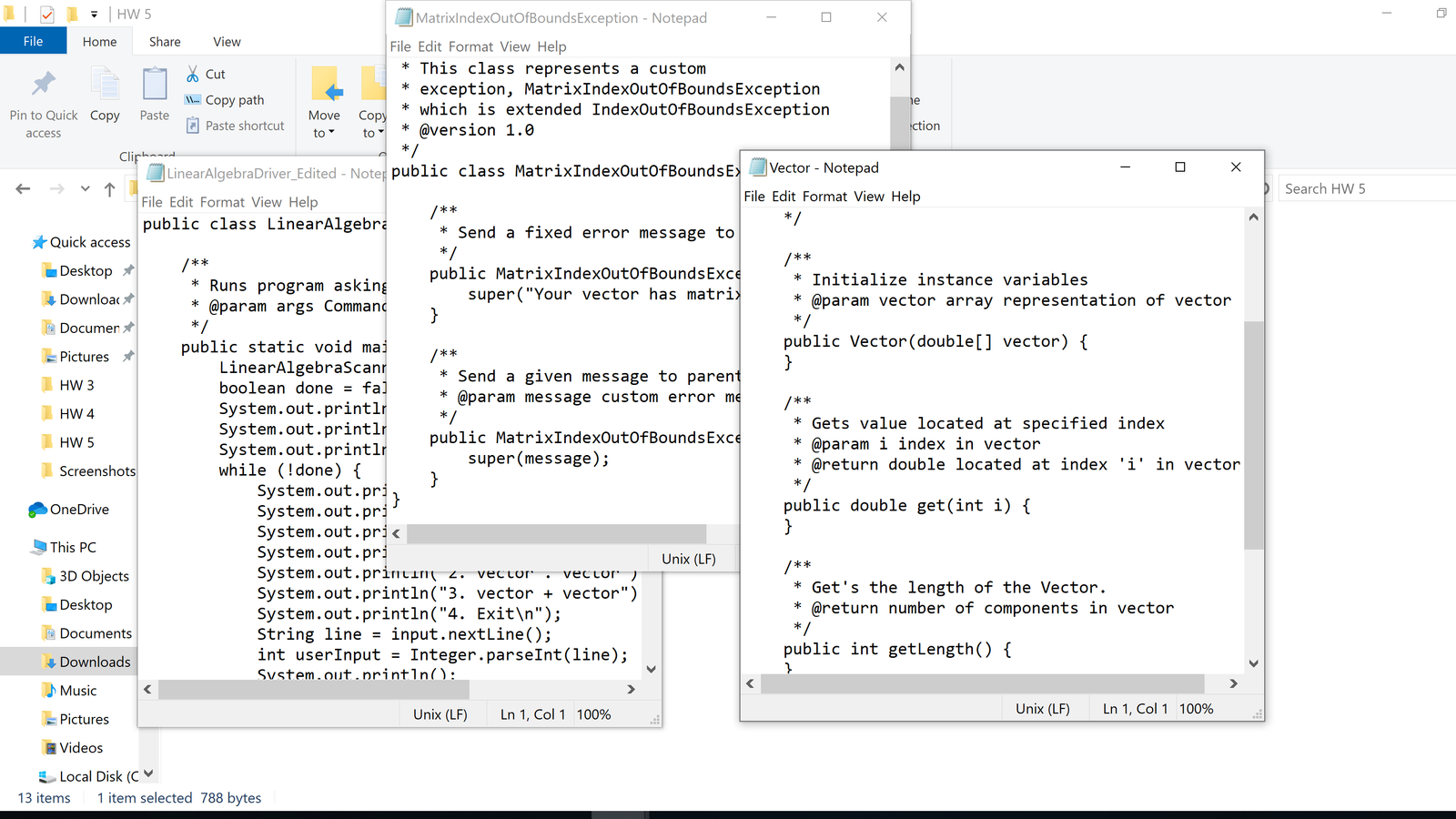
6. MatrixIndexOutOfBoundsException
• Should extend IndexOutOfBoundsException.
• Should include the no-argument constructor, and one that takes in a String message.
7. VectorIndexOutOfBoundsException
• Should extend IndexOutOfBoundsException.
• Should include the no-argument constructor, and one that takes in a String message.
4 Example Output
$ java Driver
Howdy!
This heres the greatest calculator ever
created with 10 functions or less.
What would you like to do?
0. matrix + matrix
1. matrix * vector
2. vector . vector
3. vector + vector
4. Exit
0
Please enter a matrix!
Enter empty line to terminate!
1 2
-3 4
Please enter a matrix!
Enter empty line to terminate!
3 4
-1 -2
4.0 6.0
-4.0 2.0
What would you like to do?
0. matrix + matrix
1. matrix * vector
2. vector . vector
3. vector + vector
4. Exit
1
Please enter a matrix!
Enter empty line to terminate!
1 2
4 5
Please enter a vector!
1 2 3
4
Sorry, something went wrong.
Cannot multiply a matrix of width 2 with a vector of length 3.
What would you like to do?
0. matrix + matrix
1. matrix * vector
2. vector . vector
3. vector + vector
4. Exit
2
Please enter a vector!
Separate vector components by using a space.
3 two 1
Sorry, something went wrong.
Could not parse “two” as a double.
What would you like to do?
0. matrix + matrix
1. matrix * vector
2. vector . vector
3. vector + vector
4. Exit
2
Please enter a vector!
Separate vector components by using a space.
1.2 3 4
Please enter a vector!
Separate vector components by using a space.
-1 5 6
37.8
What would you like to do?
0. matrix + matrix
1. matrix * vector
2. vector . vector
3. vector + vector
4. Exit
4
$
5 Tips
• The driver doesn’t necessarily test all of the exceptions that you are creating. Try creating a
main method in another class to test all of the different exceptions separately.
• Remember what it means for a class to be immutable!! (Follow ALL requirements under
Matrix and Vector)
5
6 Javadocs
We are going to have you do Javadocs for this assignment (and for all assignments here on out).
Javadocs are a clean and useful way to document your code’s functionality. For more information on what Javadocs are and why they are awesome, the online documentation for them is
very detailed and helpful. The relevant tags that you need to have are @author, @version,
@param, and @return. Here is an example of a properly Javadoc’d class:
import java.util.Scanner;
/**
* This class represents a Dog object.
* @author Glenn Hollingsworth
* @version 13.31
*/
public class Dog {
/**
* Creates an awesome dog (NOT a dawg!)
*/
public Dog(){
…
}
/**
* This method takes in two ints and returns their sum
* @param a first number
* @param b second number
* @return sum of a and b
*/
public int add(int a, int b){
…
}
}
6
7 Checkstyle
Review the Style Guide and download the Checkstyle jar and associated XML file. Run Checkstyle
on your code like so:
$ java -jar checkstyle-5.6-all.jar -c cs1331-checkstyle.xml *.java
Starting audit…
Audit done.
The message above means there were no Checkstyle errors. You can easily count Checkstyle errors
by piping the output of Checkstyle through wc -l and subtracting 2 for the two non-error lines
printed above (which is how we will deduct points). For example:
$ java -jar checkstyle-5.6-all.jar -c cs1331-checkstyle.xml *.java | wc -l
2
Alternatively, if you are on Windows, you can use the following instead:
C:\> java -jar checkstyle-5.6-all.jar -c cs1331-checkstyle.xml *.java | findstr /v “Starting
audit…” | findstr /v “Audit done” | find /c /v “hashcode()”
0
The Java source files we provide contain no Checkstyle errors. For this assignment, there will be
a maximum of 30 points lost due to Checkstyle errors (1 point per error). In future homeworks we
will be increasing this cap, so get into the habit of fixing these style errors early!
8 Turn-in Procedure
You will need to turn in these items.
• LinearAlgebraScanner.java
• LinearAlgebraDriver.java
• LinearAlgebra.java
• Matrix.java
• Vector.java
• IllegalOperandException.java
• MatrixIndexOutOfBoundsException.java
• VectorIndexOutOfBoundsException.java
Do not submit any compiled bytecode (.class files), the Checkstyle jar file, or the
cs1331-checkstyle.xml file. When you’re ready, double-check that you have submitted
and not just saved a draft.
7
9 Verify the Success of Your Submission to T-Square
Practice safe submission! Verify that your HW files were truly submitted correctly, the upload
was successful, and that the files compile and run. It is solely your responsibility to turn in your
homework and practice this safe submission safeguard.
1. After uploading the files to T-Square you should receive an email from T-Square listing the
names of the files that were uploaded and received. If you do not get the confirmation email
almost immediately, something is wrong with your HW submission and/or your email. Even
receiving the email does not guarantee that you turned in exactly what you intended.
2. After submitting the files to T-Square, return to the Assignment menu option and this homework. It should show the submitted files.
3. Download copies of your submitted files from the T-Square Assignment page placing them
in a new folder.
4. Recompile and test those exact files.
5. This helps guard against a few things.
(a) It helps insure that you turn in the correct files.
(b) It helps you realize if you omit a file or files.1
(If you do discover that you omitted a
file, submit all of your files again, not just the missing one.)
(c) Helps find last minute causes of files not compiling and/or running.
1Missing files will not be given any credit, and non-compiling homework solutions will receive few to zero points.
Also recall that late homework will not be accepted regardless of excuse. Treat the due date with respect. The real due
date is midnight. Do not wait until the last minute!
8